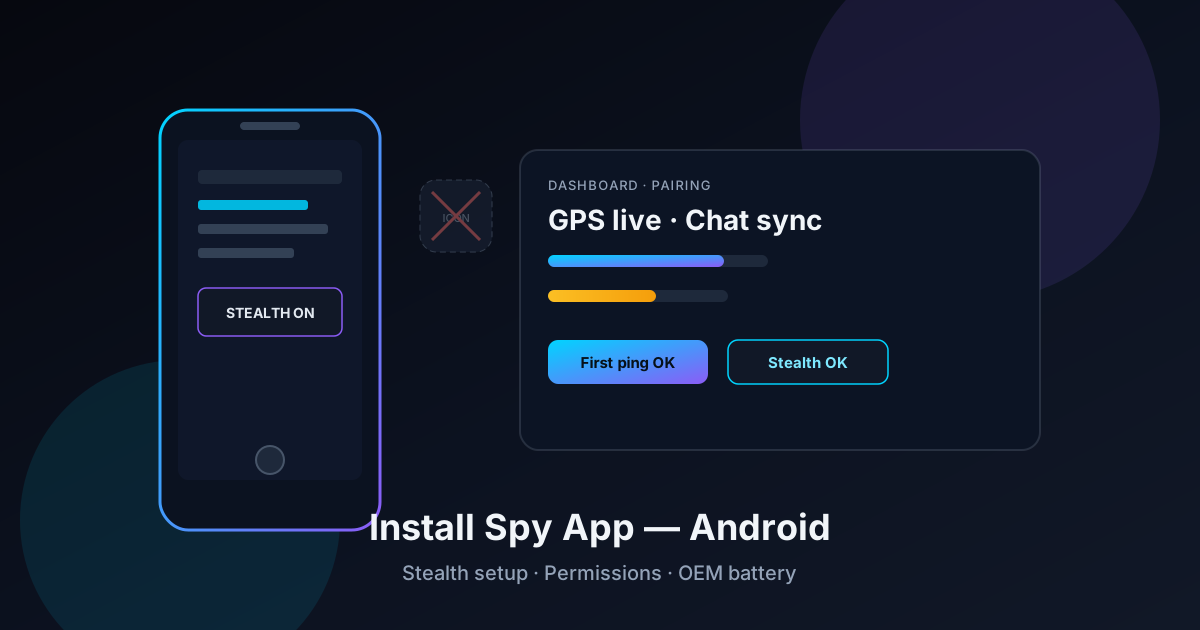
Searching install spy app android usually means one practical job: get a monitor client onto a phone, grant the right background rights, hide the launcher icon, and prove that GPS and chat/keylogger data land in a remote dashboard. Marketing pages promise “two minutes and invisible.” Lab reality on Android 12–14 is closer to 12–25 minutes if OEM battery policies cooperate — and longer when they do not.
Spy-App.net re-ran the install path across Pixel, Samsung One UI and Xiaomi HyperOS test devices. This article is a spy / monitor setup guide, not a parental-control playbook. Feature goals: live location, optional keylogger, messenger-related logs, stealth icon hide and stable overnight sync.
Why a careful Android spy app install matters today
Android background execution has tightened every major release. Doze, app standby, adaptive battery and OEM “sleeping apps” kill agents that look idle. A half-finished install looks fine for an hour — then the dashboard goes dark overnight. Buyers then blame the vendor when the real failure is battery policy.
“Physical access once, cloud control after — remote ‘cloud only’ install for consumer spy apps is marketing, not a lab result.” Spy-App.net lab notes · Android 12–14 · July 2026
Industry demand for mobile monitoring tools remains high in corporate device management and authorized personal-device scenarios. Buyers comparing mSpy, FlexiSPY, SpyX, Snoopza and tools like ConformControl should judge install success by first GPS ping + 24-hour log survival, not by whether the icon disappeared.
Prerequisites before you download anything
Three gates before the APK:
- Legal authority. Device ownership or documented consent. No vendor disclaimer overrides local criminal law.
- Physical access window. Uninterrupted unlock access for 15–25 minutes. “Remote install without touching the phone” is not the consumer path we measure.
- Separate control laptop. Create the vendor account and enter payment details on a different machine so the target phone never holds your dashboard password history.
Lab time map for a typical consumer spy app install
| Phase | What you do | Typical duration | Common failure |
|---|---|---|---|
| 1 · Account | Dashboard signup + plan selection | 2–4 min | Wrong plan tier (no chat module) |
| 2 · Sideload | Unknown sources → APK → revoke | 3–6 min | Play Protect blocks install |
| 3 · Permissions | Location, accessibility, notifications | 5–8 min | Location “while using” only |
| 4 · Battery | Unrestricted + OEM autostart | 2–5 min | Deep sleep kills agent overnight |
| 5 · Stealth + verify | Hide icon, first GPS/log ping | 3–5 min | Icon gone, dashboard empty |
Source: Spy-App.net device lab · Pixel / Samsung / Xiaomi · 2026
Install spy app Android: the core steps
Step 1 — Create the dashboard first
Open the vendor site on your laptop. Register, pick at least a monthly plan that includes the modules you actually need (GPS history, chat/keylogger, live view). Annual plans only after a successful 24-hour stability test.
Step 2 — Prepare the target phone
Unlock it, join stable Wi‑Fi (not captive guest portals that block outbound HTTPS), and note Android version under Settings → About phone. Update Google Play Services if the device is months behind — some pairing flows fail on stale services.
Step 3 — Sideload the APK once
Download the vendor APK in Chrome. Allow install from that browser for one session. Complete installation, open the agent once, enter the pairing code. Immediately revoke “install unknown apps” for Chrome. Delete the APK from Downloads and clear the browser download list.
Step 4 — Grant always-on location
Select Allow all the time and precise location. “While using the app” is the single most common reason live GPS dies after the screen locks.
Step 5 — Accessibility and notification access
Chat and keylogger paths usually depend on Accessibility services and/or Notification Listener access. Confirm every dialog completely. Tapping “later” almost always means empty message tiles later.
Step 6 — Battery unrestricted + OEM autostart
Settings → Apps → [agent] → Battery → Unrestricted. On Xiaomi / Oppo / Vivo / Huawei also enable Autostart and lock the app in Recents if the OEM offers it.
Step 7 — Enable stealth
Hide the launcher icon. Confirm it is gone from the app drawer. Then open Settings → Apps and note that the package is still listed — that is normal, not a failed stealth mode.
Step 8 — Verify from the laptop only
Move the phone, send a controlled test message from a second device, wait 5–10 minutes. Success criteria: GPS point + at least one log type in the cloud. Do not reopen the agent on the phone after handoff unless you are still in the maintenance window.
Related video context for Android permission flows — always map steps to your specific spy-app vendor UI.
Permissions matrix that actually moves data
Which permission unlocks which spy feature
| Permission / setting | Feature unlocked | Lab recommendation |
|---|---|---|
| Location · always | Live GPS + history trail | Required for any location product |
| Accessibility | Keylogger / many chat hooks | Enable if messaging is in scope |
| Notification access | Messenger previews / alerts | Enable for WhatsApp/Telegram paths |
| Battery unrestricted | Overnight sync survival | Always on production installs |
| Display over other apps | Some live-view / overlay tools | Only if vendor documents it |
“Stealth means the icon is gone from the drawer — not that the package is invisible to Settings, Play Protect or a forensics scan.” Spy-App.net editorial
What stealth mode really does (and does not)
In tests of mSpy-class, FlexiSPY-class, SpyX-class and similar clients, stealth reliably removes the launcher icon. What remains:
- Entry under Settings → Apps
- Often an Accessibility service with a vendor or generic name
- Elevated network traffic when syncing media-heavy logs
- Possible Play Protect warnings on sideloaded APKs
After major Android OS updates, re-check battery unrestricted and accessibility toggles. Samsung and Xiaomi frequently reset power policies — GPS gaps return even when the icon stays hidden.
OEM battery traps: Samsung, Xiaomi, Pixel
Samsung (One UI)
Check Device care → Battery → Background usage limits. The agent must not sit in Sleeping or Deep sleeping apps. Disable “Automatically put unused apps to sleep” for that package.
Xiaomi / HyperOS
Autostart, “Display pop-up windows” and unrestricted background activity are mandatory. Without them, logs only flow while the screen is on.
Google Pixel
Fewer OEM killers, stricter Play Protect. Confirm sideload explicitly and set battery to unrestricted — stock Doze is aggressive enough to stall hourly GPS without it.
Dashboard verification checklist
- Pairing status shows online within 10 minutes?
- At least one fresh GPS point after moving the device?
- Chat or notification event after a controlled test message?
- Icon gone from launcher, package still under Settings → Apps?
- Battery still unrestricted after a reboot?
- Logs still arriving after 24 hours — not only the first hour?
If step 6 fails, fix OEM sleep policies before you switch vendors. Most “dead dashboards” we see are battery, not broken APKs.
Frequent install mistakes
- No legal basis — high risk, zero technical upside
- Location set to “while using the app”
- Skipping accessibility then expecting full WhatsApp bodies
- Leaving unknown sources enabled after install
- Annual plan purchase before the 24-hour stability test
- Reopening the agent on-device after handoff and breaking stealth workflow
Tool picks for this install workflow
ConformControl — fast pair + optional stealth
For an APK-plus-browser dashboard with optional icon hide, GPS and higher-plan live control, ConformControl is a practical install target in our EU-lab checks: short pairing code, clear permission prompts, trial window before a long contract. Compare it against mSpy-class brands using the same checklist above.
If you want to understand how dashboards talk to backends (HTTP, JSON, simple scripts) before trusting vendor APIs, a free Python path such as Leyla's Code helps you evaluate technical claims — it does not authorize illegal monitoring.
Vendor shortlist still open? See our best spy apps for Android 2026 matrix and the head-to-head mSpy vs FlexiSPY vs SpyX lab notes.
Frequently asked questions
Which spy app is easiest to install on Android?
No-root consumer clients with a short pairing code install fastest in our lab. Deep-feature tools that push call interception or advanced root modules take longer and fail more often on stock OEM firmware.
Do I need root to install a spy app?
Usually no for GPS, app usage and many chat/notification paths. Some FlexiSPY-class deep features still document root. Check the plan matrix before purchase.
Can I install a spy app without physical access?
Consumer products we test require physical access at least once for sideload and permissions. Claims of pure remote install without ever touching the device should be treated as marketing until proven on your hardware.
Is stealth mode enough to hide monitoring?
No. Stealth hides the icon from casual glances. Settings lists, accessibility menus, battery drain and network usage can still reveal an agent. Authorized use should prefer transparency policies where required by law.
What if the dashboard stays empty after install?
Re-check always-on location, accessibility, notification access and unrestricted battery. Wait a full refresh window (often 1–10 minutes). Only then reinstall or change vendors.
Bottom line
To install a spy app on Android successfully in 2026: confirm legal authority, pair from a laptop, sideload briefly, grant always-on location plus accessibility/notifications, whitelist battery, enable stealth, then prove GPS and at least one log type in the cloud — and re-check after 24 hours. Icon hide is the last cosmetic step, not the definition of a working install.
Technical settings alone never replace compliance. Use monitoring only where the law allows. When you need an EU-dashboard alternative with a short trial path, evaluate ConformControl with the same verification checklist as any brand-name spy app.
Disclosure: Links to ConformControl and Leyla's Code are sponsored. Other brands mentioned were evaluated without compensation. Unauthorized surveillance remains illegal regardless of tool choice.